Press kit
The logo, the icon, and a few words about Dawn. Use them to write about it or link to it.
About Dawn
Dawn is a free browser for Mac. It keeps your tabs in a sidebar and sorts them into spaces. Tabs you don’t pin put themselves away, and split view shows up to four pages side by side. It works with the Chrome extensions you already use. The first release is coming soon.
Logo banner

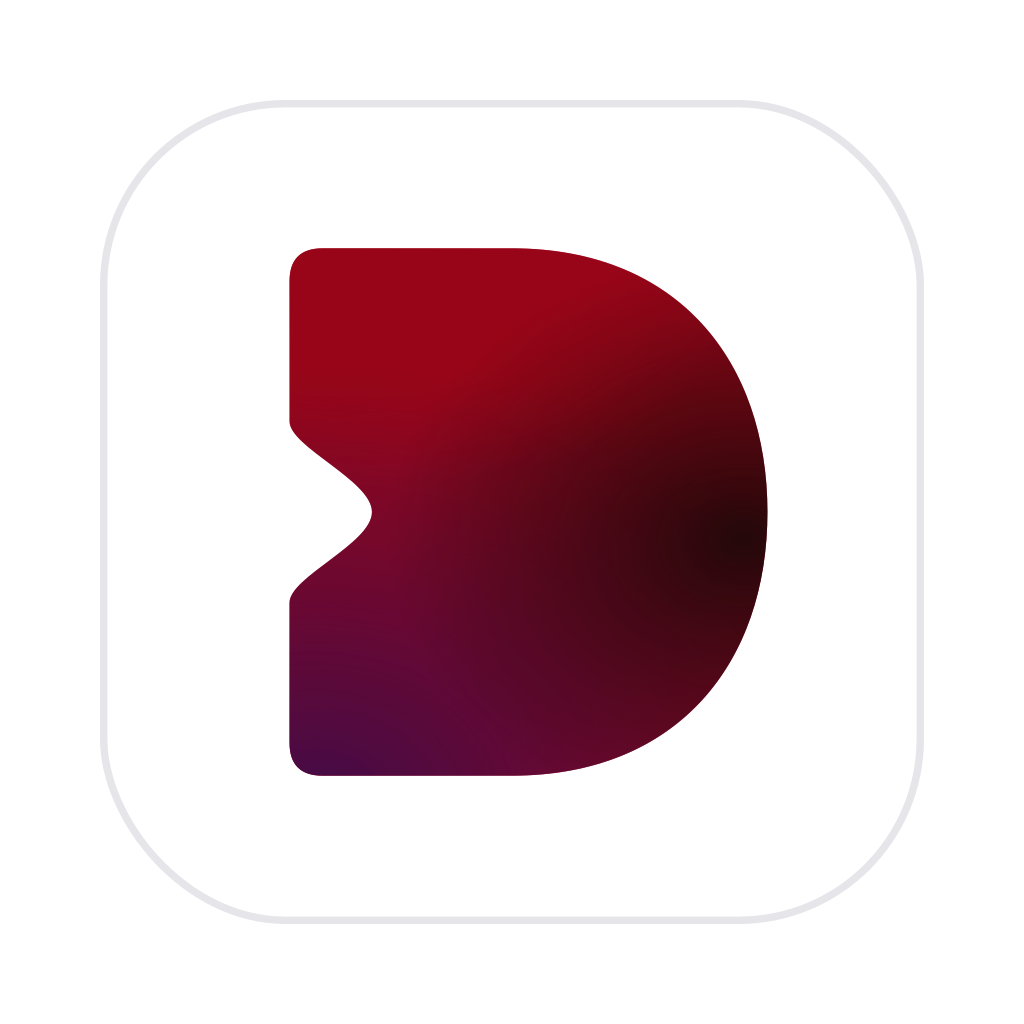
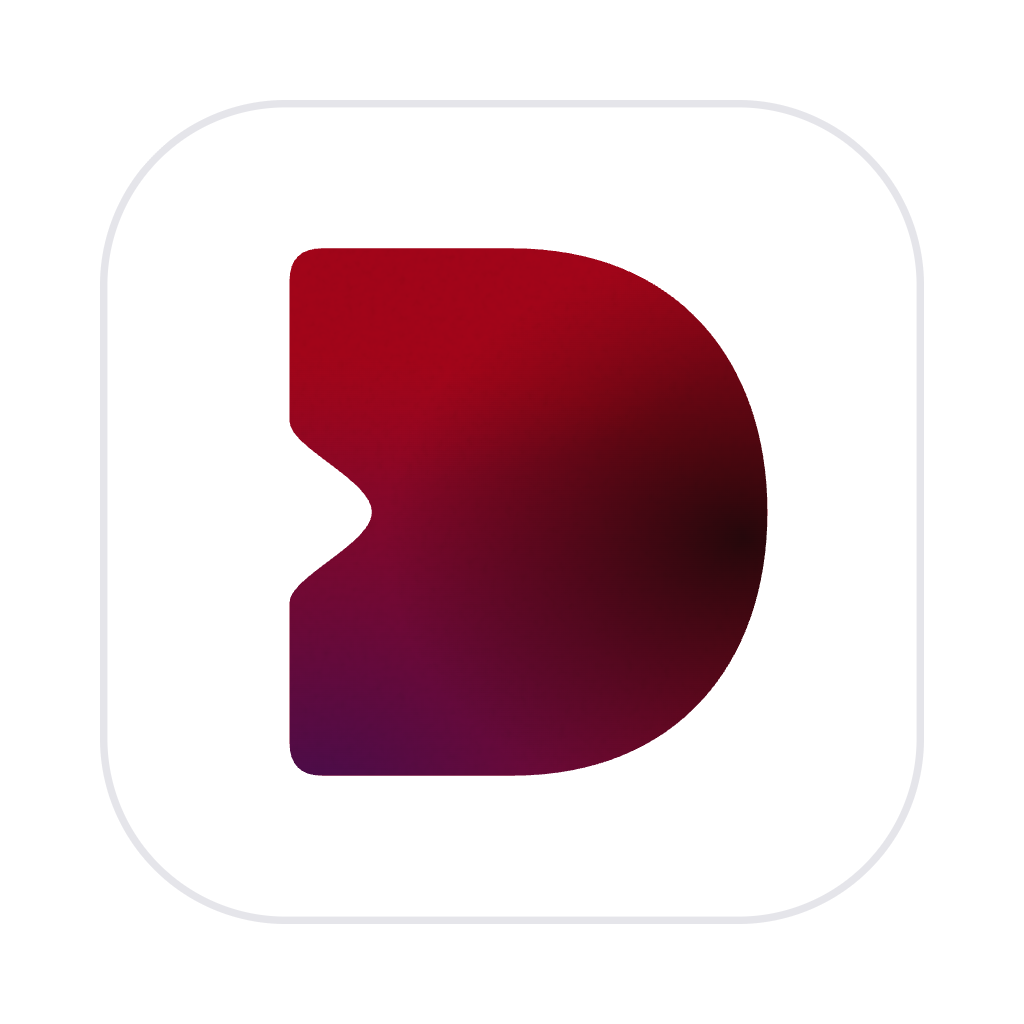
Icon and mark





Please don’t recolor, rotate, outline, or stretch the mark, and leave room around it: at least half its width on every side. Write the name as “Dawn,” and don’t use the mark in place of the letter D.
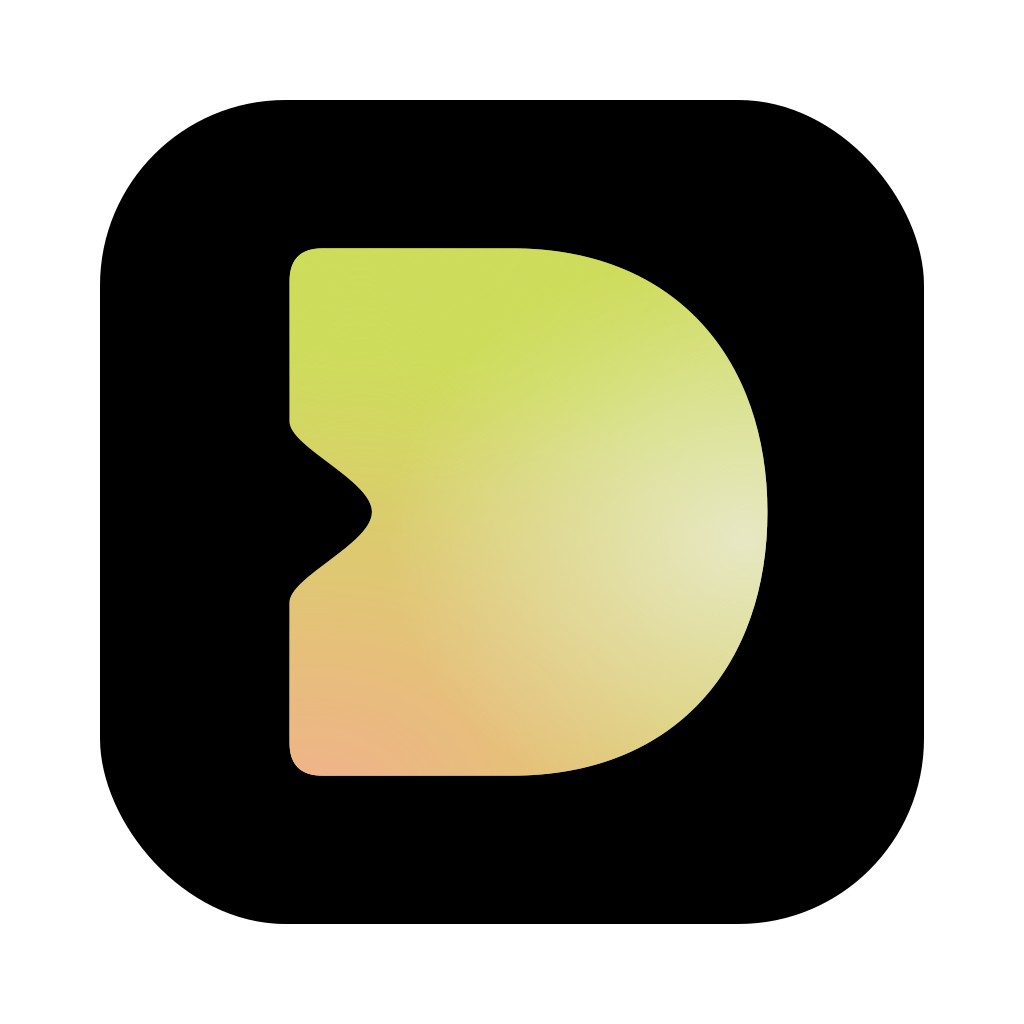
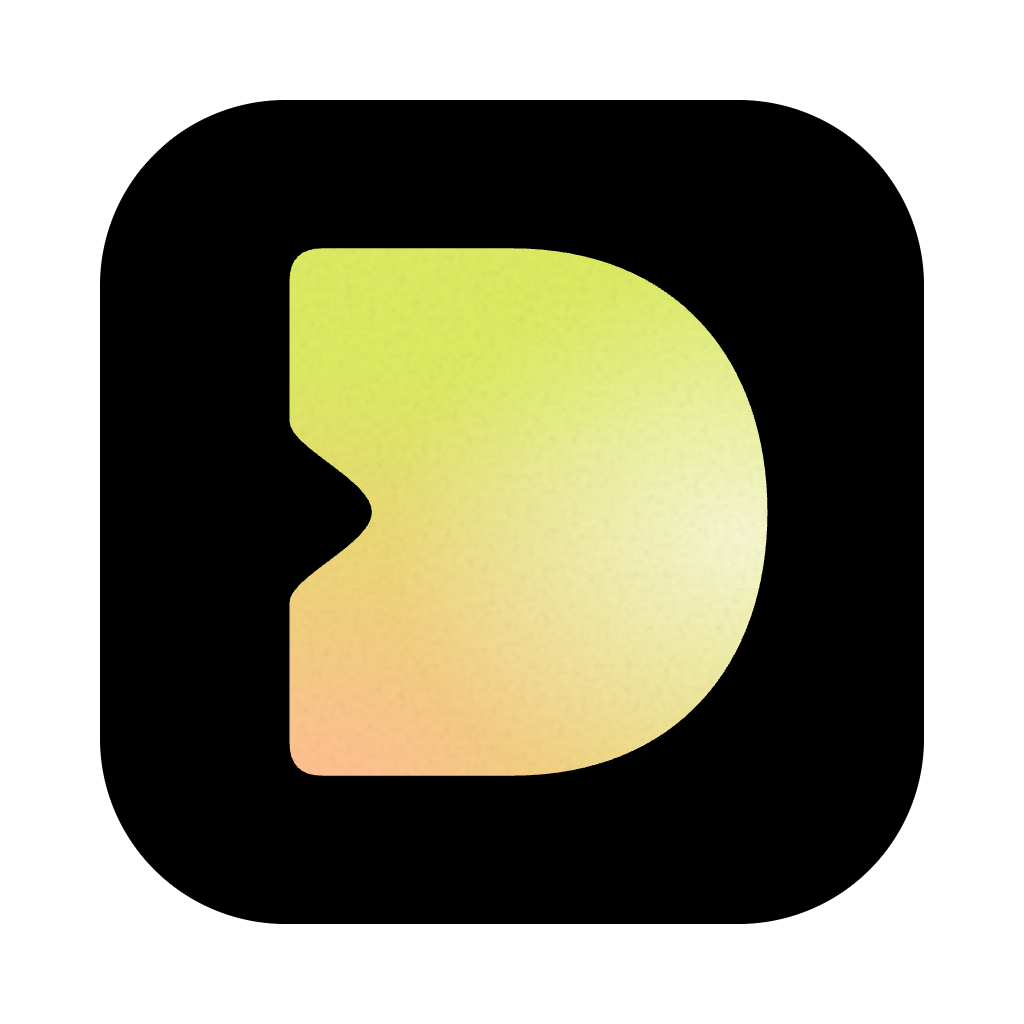
App icons
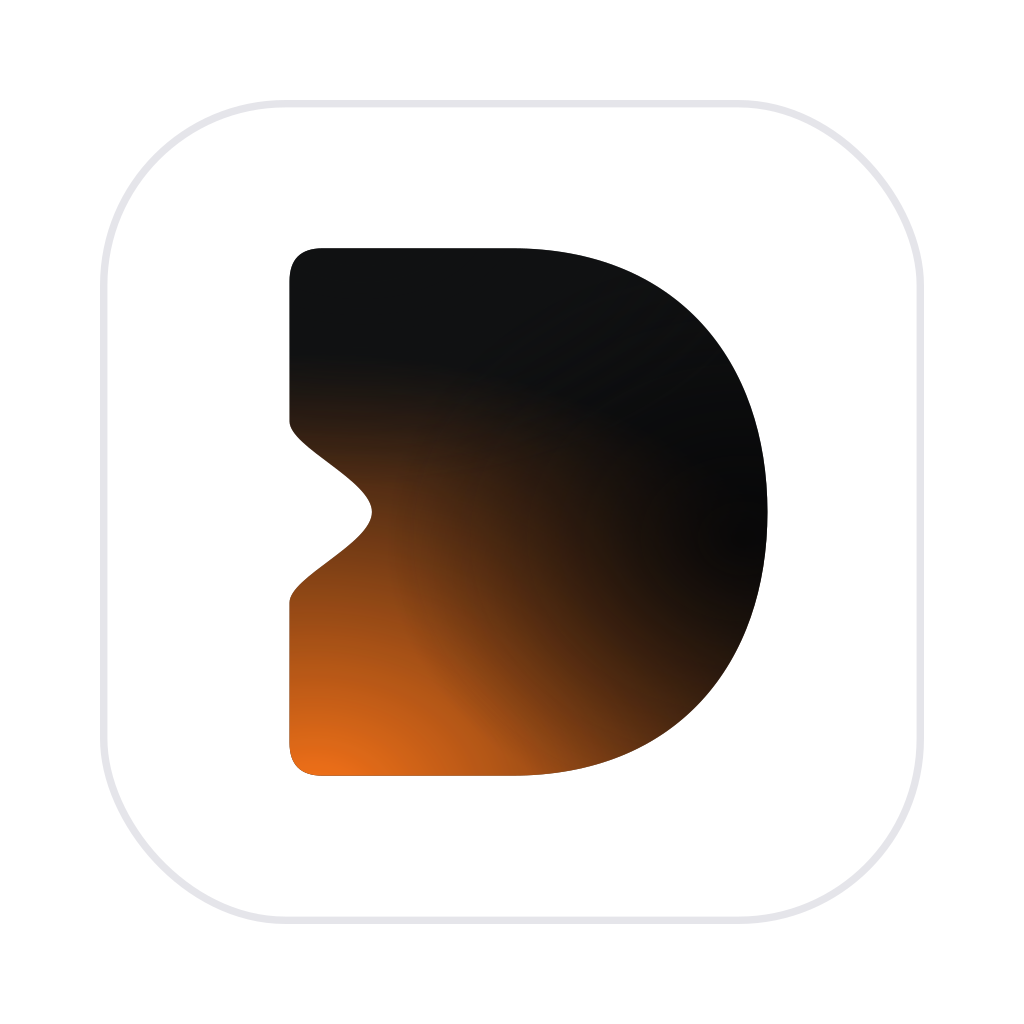
Dawn comes with eighteen icons to pick from in Settings › Icon: black or white, or the mark filled with one of Dawn’s themes.







Type
Headings and the name are set in the system font, bold and a little tight, as in Dawn itself (SF Pro on a Mac). Where the name is drawn into a picture (these banners, link previews), it’s Inter Bold, the open font nearest it, free under the SIL Open Font License; the banners have it as outlines, so they look the same anywhere.
Colors
#000000#FFFFFFContact
For interviews, more pictures, or anything else: [email protected].